
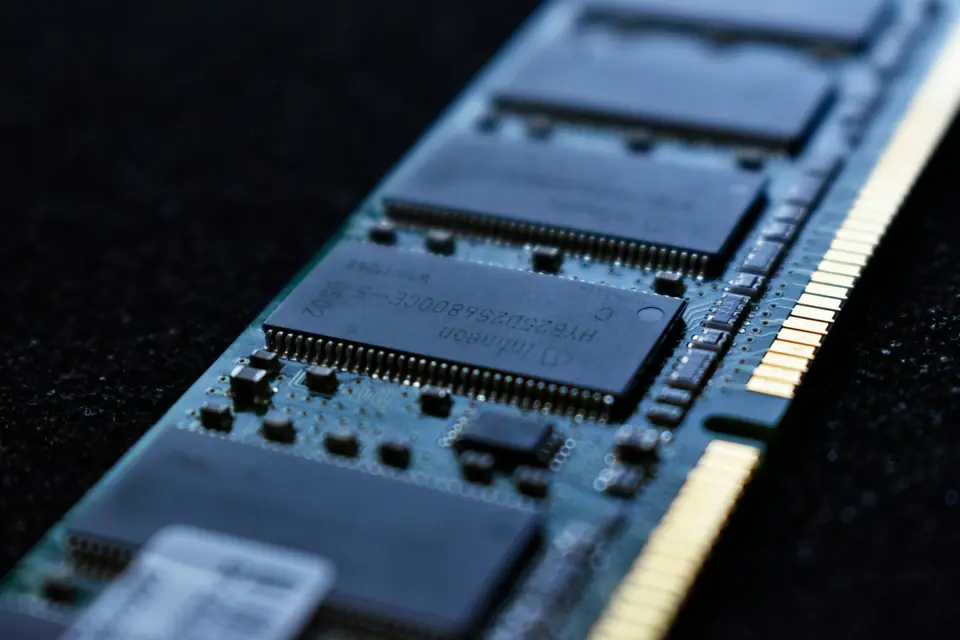
RAM is the number every hosting page leads with, and the one most people get wrong in both directions. Too little and you get freezes and crashes. Too much and you are paying for memory that sits idle while the real bottleneck goes unfixed. Here is how to pick correctly the first time.
The short answer
- Vanilla or a handful of plugins, 1-10 players: 4 GB is comfortable.
- Survival with plugins, 10-25 players: 6-8 GB. Protection, economy and rank plugins each take their share.
- Light modpacks (Fabric plus performance mods): 6-8 GB.
- Heavy modpacks (All The Mods, RLCraft, big tech packs): 10-16 GB. Hundreds of mods and extra dimensions add up fast.
- Networks and large servers, 50+ players: 16-24 GB, ideally split across several linked servers rather than one giant instance.
How to tell you are genuinely short
Real memory pressure looks specific, not vague:
OutOfMemoryErrorin the console. This one is unambiguous.- The server freezes completely for a second or two during world save, then recovers.
- TPS falls off a cliff when a few players log in at once, rather than degrading gradually.
- Long garbage-collection pauses in the log, if you have GC logging on.
If instead you see steady, mild lag that gets worse as the day goes on, that is usually entities or an unoptimised plugin — not RAM.
Why more RAM often changes nothing
Minecraft is heavily single-threaded. A tick has to finish before the next one starts, and that tick runs on one core. If a badly written plugin, a mob farm with thousands of entities or an enormous view distance is eating the tick, adding memory does not give the server more time — it just gives the same overloaded core a bigger pile to manage. Before upgrading, try:
- view-distance down to 6-8 in
server.properties. Biggest single win available. - simulation-distance at 5-6.
- Pregenerate the world with Chunky — live terrain generation is the most expensive thing your server does. Full guide here.
- Run Paper (or Purpur) instead of vanilla Spigot, and actually tune its config.
- Profile with Spark so you fix the real cause instead of the first guess.
What about CPU?
For most servers, per-core CPU speed matters more than total RAM. Sixteen gigabytes on a slow core will still stutter; eight gigabytes on a fast modern core will not. This is why identical-looking plans from different hosts perform so differently — the spec sheet says RAM, the experience is decided by the processor.
Rule of thumb
Starting out with friends: 4 GB. A community with plugins: 8 GB. Serious mods: 10-16 GB. When torn between two sizes, take the smaller one — upgrading a plan takes minutes and support migrates the data for you, whereas paying for unused memory every month adds up to nothing at all.
Not sure where your pack lands? Our RAM calculator gives you a number in about ten seconds.