
Want to play All The Mods, RLCraft, Pixelmon or Create with friends? Getting a modpack onto a server is far simpler than the forum threads suggest — as long as you start from the right file.
The one thing that matters: use the server pack
Nearly every modpack on CurseForge and Modrinth publishes a separate download called the server pack (sometimes "server files"). It ships with the mod loader already set up and, crucially, without the client-only mods that will crash a server on startup.
Most installation problems people run into come from uploading the client pack instead. Start with the server pack and half the trouble never happens.
The four steps
- Download the server pack from the modpack's official page. Match the pack version to the one your players will run — mismatched versions will not connect.
- Upload and extract it from your control panel's file manager. Uploading the zip and extracting server-side is far faster than uploading hundreds of individual mod files.
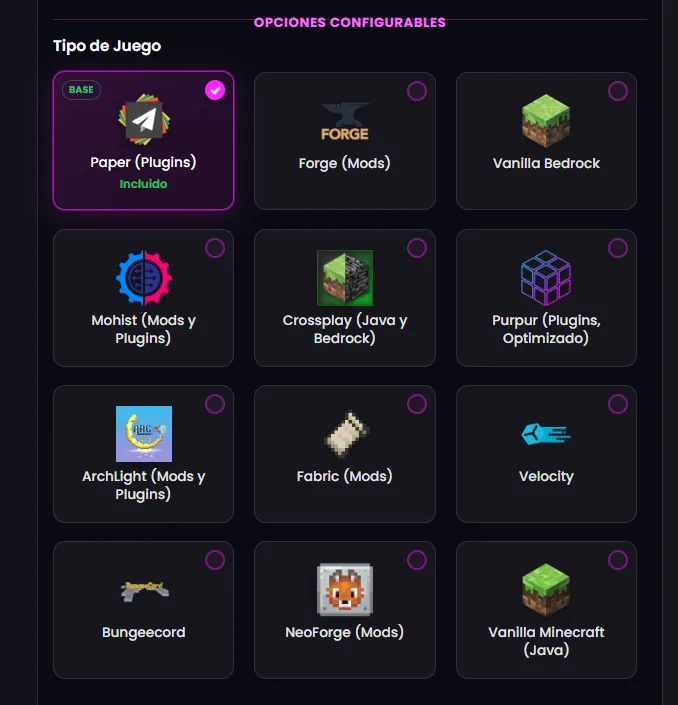
- Point the startup at the right loader. Forge, Fabric and NeoForge each have their own start file. If the pack ships a
run.shor a specific jar name, use it. - Accept the EULA, set the RAM, start. First boot is slow — a big pack can take several minutes to generate configs. Watch the console rather than assuming it hung.
How much RAM does a modpack need?
Medium packs run fine on 8 GB. Large kitchen-sink packs want 10-16 GB, mostly because of the number of mods loaded and the extra dimensions they add. Our RAM guide breaks it down, and the RAM calculator gives you a figure in seconds.
After it boots
Modded worlds generate slower than vanilla ones, so exploring hurts more. Pregenerating the map is worth more on a modpack than on any other kind of server — see how to use Chunky. Also give the pack a proper look at its own performance mods: many ship with them disabled.
If it will not start
Read the last twenty lines of the console before anything else — modded crashes almost always name the offending mod. The usual causes are a client-only mod left in the folder, a Java version mismatch, or not enough RAM allocated for the pack to finish loading. If you would rather not fight it, tell support which pack you want and they will install it for you.